PrO2+ is on the App Store. Download the companion app today for iPhone or Android to pair with your device and train anywhere.
Walkthroughs
Step-by-step UI tours for the PrO2 app and website. Pick a topic and use the on-screen controls or keyboard arrows to move through each screen.
User sign-in
Sign in as a patient or individual user and land on All Results to review your training history.
Clinician sign-in
Sign in as a clinician, reach Linked users, and manage patient protocols from the v2 portal.
Editing protocols
Sign in as an individual user and customize baseline %, sets, reps, and rest intervals on your training protocol.
Clinician protocol editing
Configure assessment direction, MIP mode, research audio and display toggles, and survey linkage before saving.
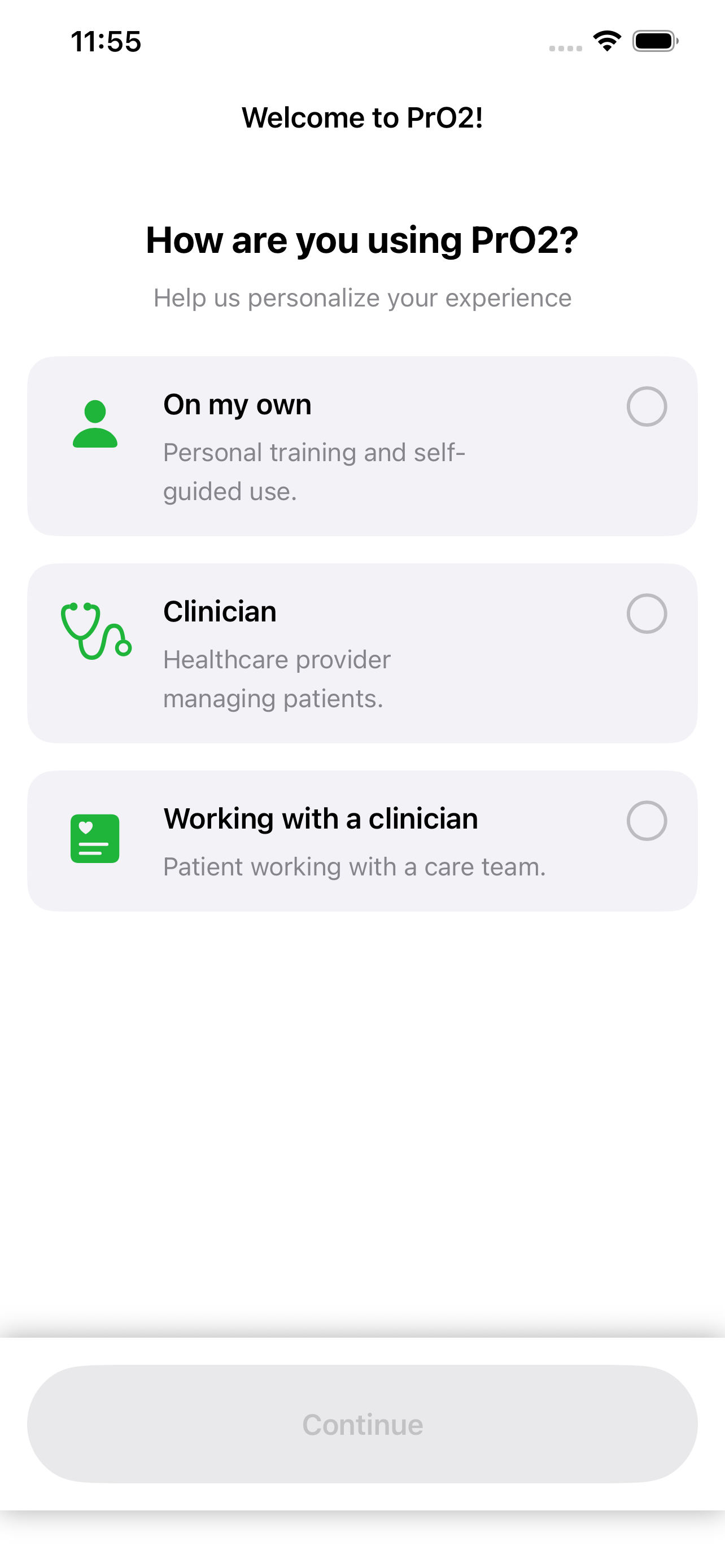
Training walkthrough
Role selection, device connection, assessment and training modes, baseline, and session flow—from first launch through training screens.
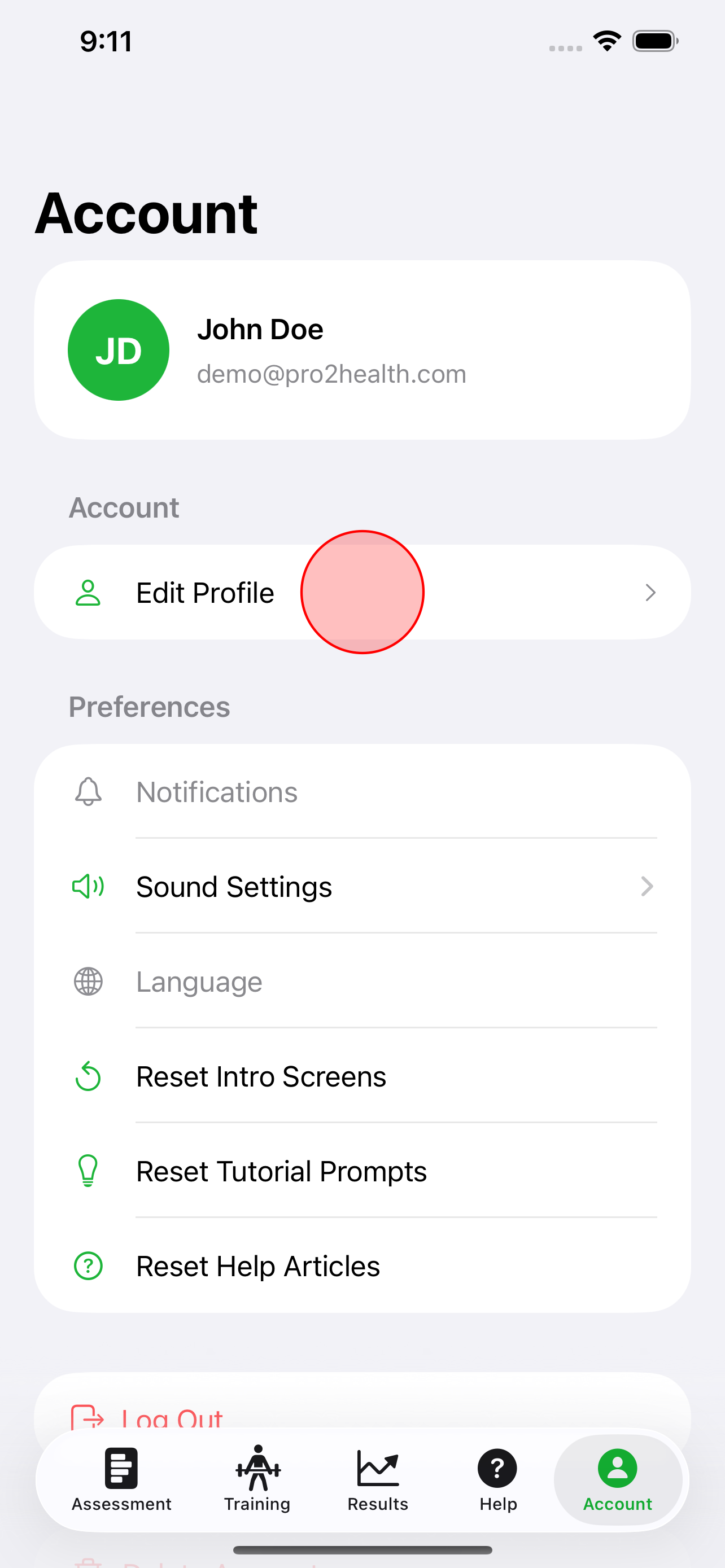
Linked clinician identifier
Add your clinician’s identifier under Account → Edit profile so your data can be linked to your care team.